Data export gives you a CSV snapshot of your CRM records whenever you need your data outside of Sonido. You can export four record types: Leads, Contacts, Artists / Groups, and Companies. Each export includes every record currently visible to you along with all of that record type's custom field values.
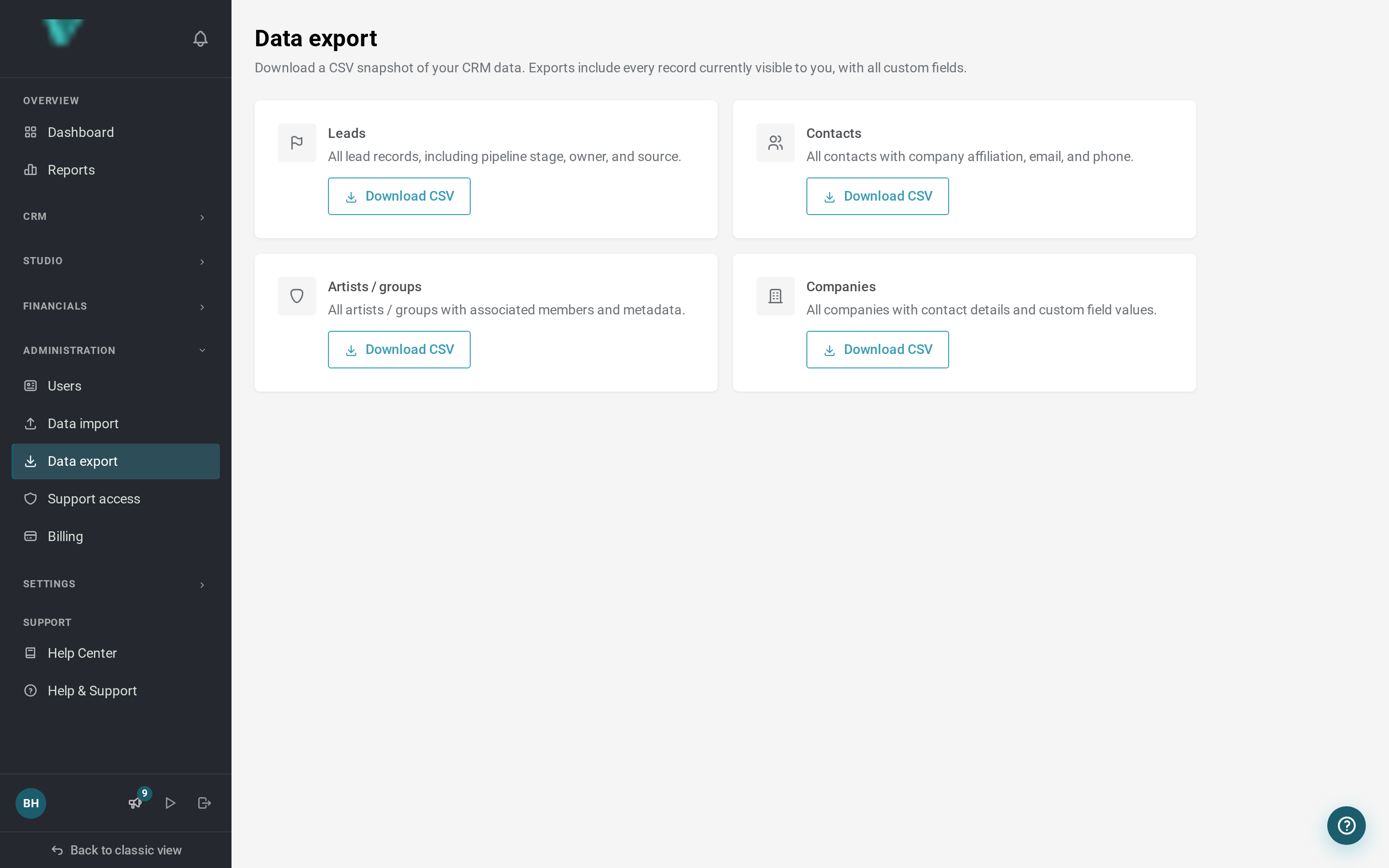
Exports are a complete dump of the selected record type. There are no filters: every relevant field is written as its own column, and every record is written as its own row.
Open the data export screen
In the sidebar, under the Administration section, select Data export. The screen title reads "Data export" with the note that exports include every record currently visible to you, with all custom fields.
You need the Export.read permission to see this screen.
Export a record type
The screen shows one card per record type:
- Leads: all lead records, including pipeline stage, owner, and source.
- Contacts: all contacts with company affiliation, email, and phone.
- Artists / groups: all artists / groups with associated members and metadata.
- Companies: all companies with contact details and custom field values.
On the card for the data you want, select Download CSV. The file downloads to your browser as a .CSV, with each record on its own row and each field in its own column. A confirmation message appears once the export finishes.
To export more than one record type, download each card separately.